
Booking on your site
Calendly’s scheduler embedded on your pages, not a link away.
Booking & payments
Calendly lets people pick a time that works without back-and-forth emails. We put your Calendly scheduling into your website, styled to fit, so booking a call or tour is one step.
The easier it is to book, the more people do. Instead of “contact us and we’ll find a time,” visitors choose a slot on your website and it lands in your calendar.
We embed Calendly on the pages where people are ready to talk, such as contact, tour and consultation pages, and can send visitors to it after they submit a form.
Calendly’s scheduler embedded on your pages, not a link away.
Visitors can book a time right after sending an inquiry.
Calls, tours, consultations or showings, each with its own event type.

A personal brand website for Miami real estate developer Jay Roberts, connecting Prosper Group, The Long Game podcast, and his development work.
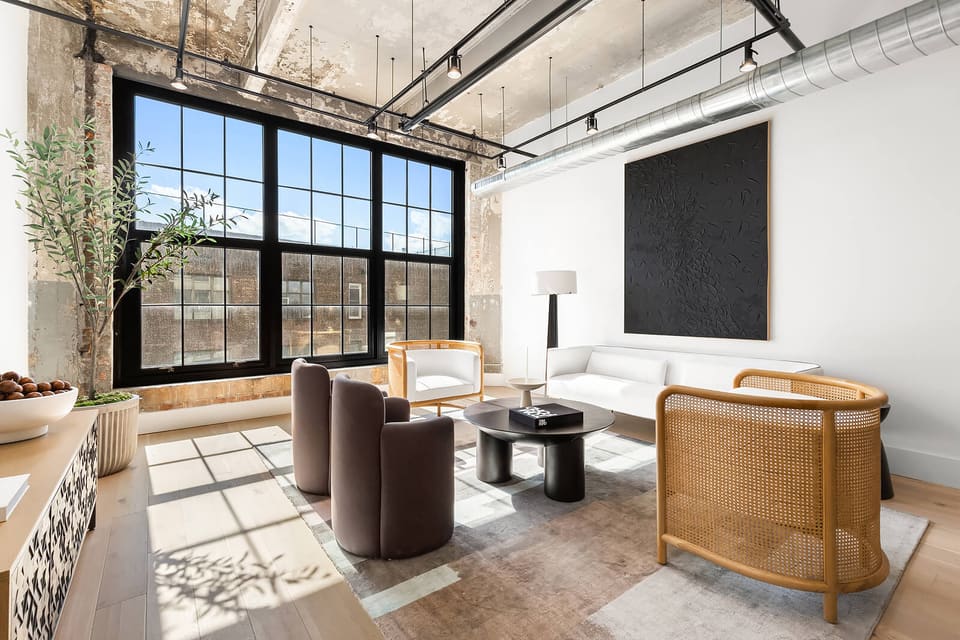
A photography-led website for 475 Kent Lofts, showcasing Williamsburg loft residences, amenities, and current availability.
Embedding works on Calendly’s free plan; some features, like multiple event types, need a paid plan.
Yes. We can show your scheduler right after an inquiry is sent.