
A row per submission
Each entry is added instantly, with the date and the page it came from.
Forms & workflow
Some teams just want their leads in a spreadsheet. We connect your website’s forms to Google Sheets, so every submission lands as a new row the moment it’s sent.
A shared sheet is the simplest way for a small team, a sales office or a developer’s leasing team to see every inquiry in one place, sort it and hand it out.
We’ve connected inquiry, waitlist and contact forms to Google Sheets for real estate buildings, a furniture brand, a barbershop and a costume studio. The sheet gets one column per field, and leads can also go to HungryHub or your CRM at the same time.
Each entry is added instantly, with the date and the page it came from.
Contact, inquiry, waitlist or registration forms.
Send the same lead to the sheet and to HungryHub or your CRM.
Your site writes to the sheet through a Google service account, not a public link.

A residential property website introducing Paragon and its Long Island City waterfront setting.

A personal brand website for Miami real estate developer Jay Roberts, connecting Prosper Group, The Long Game podcast, and his development work.

A product website for Chairy, a Newport Beach SaaS platform helping salons and barbershops fill unused chairs with working stylists.
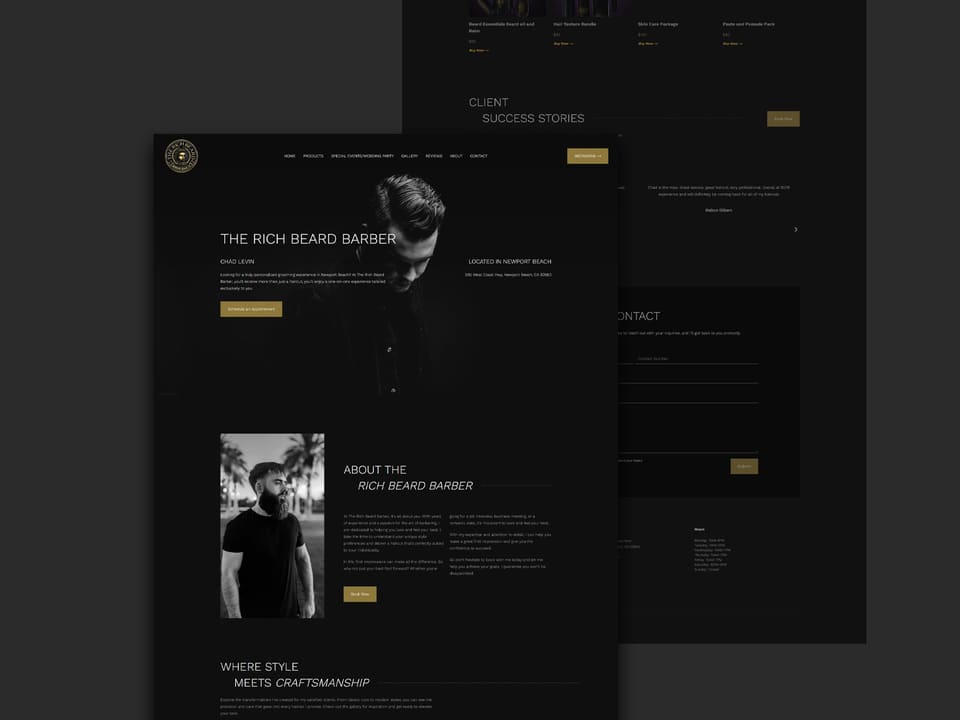
A website for Chad Levin’s Newport Beach barbering studio, featuring personalized services, a client gallery, booking, and grooming products.
For a few leads a week, often yes. As volume grows, a CRM like HungryHub makes it easier to follow up and see what happened to each lead.
Yes. We map each form field to the column you want, and you can add your own columns for notes or status.